Retro Gaming Controller Tumbler Wrap Art: A Straightforward Guide to Sublimation Success
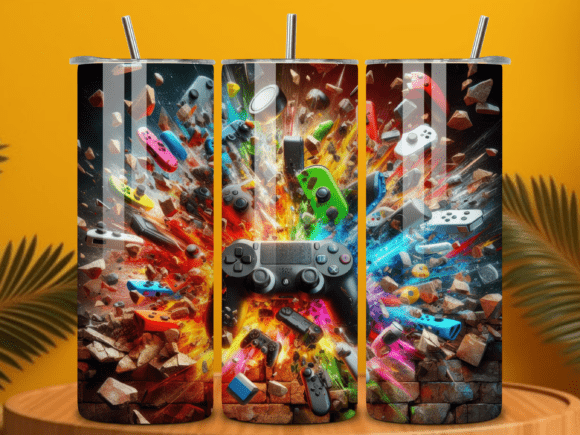
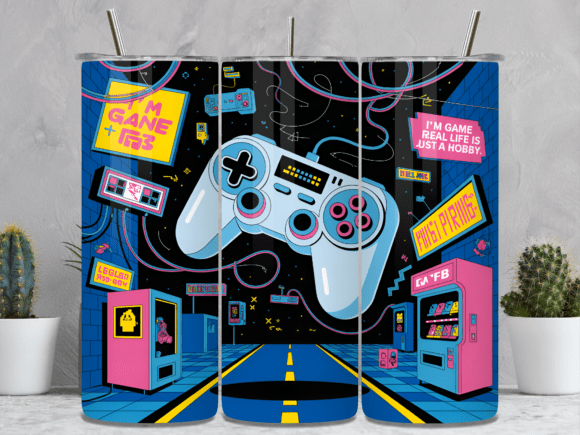
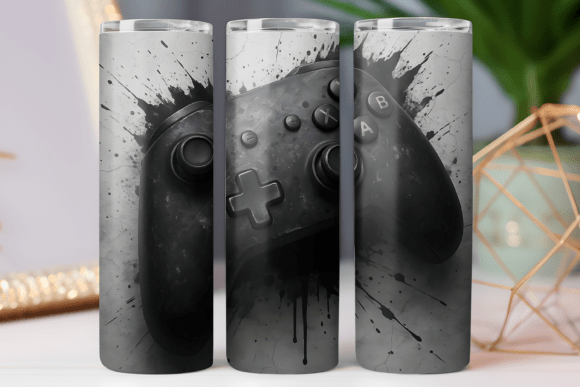
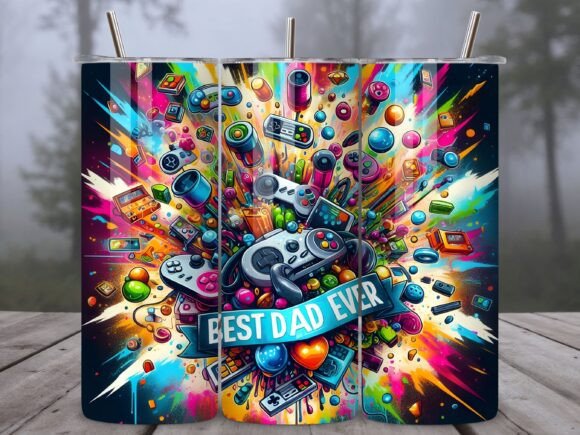
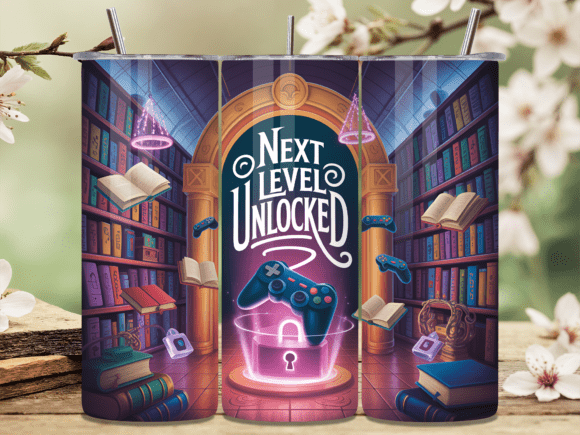
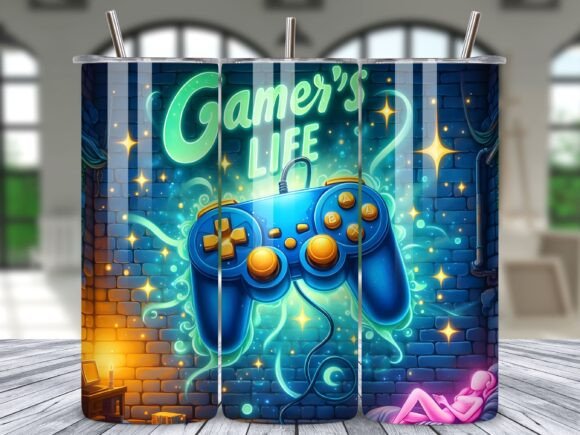
If you have ever wanted to create custom drinkware that stands out, Retro Gaming Controller Tumbler Wrap Art offers a nostalgic and visually striking option. These digital designs, provided as printable PNG files for both straight and tapered 20 oz tumblers, are popular for crafters and small business owners. The appeal is instant access to a ready-to-press design tapping into classic gaming culture. However, turning that digital file into a flawless physical product requires more than just hitting print. Many people underestimate the technical steps involved, leading to wasted blanks, blurry images, or sizing disasters. This guide walks through the practical considerations you should evaluate before purchasing and applying your tumbler wrap art, so you can avoid the most common pitfalls and achieve professional-grade results.
Understand the Straight vs. Tapered Distinction
One of the most frequently overlooked details is the physical shape of the tumbler. A “20 oz tumbler” is not a universal standard. It can refer to a straight-wall skinny tumbler, which has a consistent diameter from top to bottom, or a tapered tumbler, which is wider at the top and narrower at the base. Applying a straight template to a tapered tumbler, or vice versa, results in misalignment, wrinkling, or gaps in the design.
The file you receive includes both straight and tapered PNGs. This is a significant advantage, but it requires you to correctly identify which blank you intend to use. Before opening your design software, measure your tumbler at the top, middle, and bottom. Confirm whether your blank matches the template dimensions. Taking this simple step prevents the frustration of a design that looks perfect on screen but fails during application. Pay attention to the 9.3 x 8.2 inch dimension provided, as this corresponds to the specific circumference and height needed for these tumbler styles.
Why Resolution and DPI Matter More Than You Think
A common misunderstanding in the sublimation community is that any image that looks clear on a phone screen will print well. This is not the case. The Retro Gaming Controller Tumbler Wrap Art is offered at 300 DPI with dimensions of 2790 x 2460 pixels. These specifications are not arbitrary; they are calculated to ensure the printed wrap remains sharp and free of pixelation up close.
Using a design with lower resolution forces you to stretch it, which results in a blurry, unprofessional finish. This directly impacts the perceived value of your product. A customer paying for a custom retro controller tumbler expects crisp lines and vibrant colors. Always verify your printer settings are matched to the file’s native DPI. Do not let the software rescale the image down. Checking these details before pressing saves you from creating a low-quality item that damages your brand reputation.
Verifying Your Sublimation Workflow
Another area where projects go wrong is assuming any home printer can handle these wraps. These PNG files are designed for sublimation printing. This requires a printer equipped with sublimation ink, specialty sublimation paper, and a heat press capable of maintaining consistent temperature and pressure around a curved surface.
Trying to print on a standard inkjet or laser printer, or converting the file to print on adhesive vinyl, leads to poor color transfer, peeling, or a stiff texture. The beauty of sublimation is that the ink becomes part of the polymer coating of the tumbler, resulting in a durable, scratch-resistant finish. However, this only works if your entire workflow is optimized for sublimation. Before purchasing the design, confirm you have the correct equipment. If you are new to sublimation, research the specific time, temperature, and pressure settings for your tumbler press. This preparation turns a potential costly mistake into a straightforward project.
Planning for the Seam and Wrap Direction
Digital design files are flat, but your tumbler is a cylinder. A common oversight is forgetting to account for the seam where the two ends of the design meet. The 9.3 inch width is calculated for a specific circumference, but alignment is equally critical. For a retro controller design, ensuring the buttons, D-pad, and joystick align correctly around the tumbler without being awkwardly cut off at the seam requires careful placement.
A better approach is to always print a paper test version first. Wrap it around your tumbler without heat to check the fit. Adjust the positioning in your editing software based on this physical test. This step costs you a single sheet of paper but saves you from ruining a sublimation blank and wasting expensive ink.
Respecting the Digital License and Terms of Use
When you purchase an instant digital download like this Retro Gaming Controller Tumbler Wrap Art, you are buying a license to use the design, not ownership of the design itself. A frequent misunderstanding occurs when users assume they can resell the digital PNG file, share it with friends, or use it on print-on-demand sites that require an extended license.
The terms provided are clear: the files are not allowed to be resold, gifted, or shared, and you cannot take credit for creating the design. What you can do is use it to create physical tumblers that you sell at a craft fair or in your online shop. This is a standard and fair arrangement. Violating these terms not only hurts the original artist but can also lead to your shop being flagged for copyright infringement. Always read the license agreement accompanying your download. Operating with integrity here ensures the sustainability of the creative marketplace.
Preparation and Audience: The Final Checks
Preparation separates a successful sublimation project from a disappointing one. Beyond the design itself, consider these elements:
- Color Management: Use ICC profiles for your specific printer and paper to ensure the vibrant colors of the retro controller design translate correctly from screen to substrate.
- Surface Preparation: Clean your tumbler blank thoroughly with isopropyl alcohol. Any oils or dust will create imperfections in the transfer.
- Secure Application: Use thermal-resistant tape to hold the design tightly. Loose paper causes ghosting, where the design appears doubled or blurred.
Also, consider who you are making this for. Retro gaming appeals to a demographic that values nostalgia and classic arcade aesthetics. If you are selling, target this niche with clear product photos that showcase the details. If you are the end user, ensure the straight or tapered option matches your personal tumbler shape preference. This ensures the high resolution and precise sizing of your wrap art are fully realized in the final product.
Getting the Most from Your Tumbler Wrap Art
Retro Gaming Controller Tumbler Wrap Art provides an excellent opportunity for creators to deliver high-quality, nostalgic products with minimal turnaround time. The PNG files are designed for both straight and tapered 20 oz tumblers at a professional 300 DPI resolution. Your success depends on your attention to detail: verifying tumbler shape, optimizing your sublimation workflow, correctly aligning the wrap, and respecting the license terms. By approaching your project with this practical mindset, you avoid wasted materials and ensure every tumbler you create meets the high standards your customers expect.